Office access levels are the tiers of entry permission that decide who can walk through which door, and when. The simplest workable model splits the building into zones, from a public foyer through to restricted rooms, and gives each person only the zones their role needs. Review those permissions often, because most access problems come from permissions that were never removed, not from locks that fail.
This guide covers physical access in an Australian office: how to define levels, who gets what, how to handle visitors and contractors, how to audit, and how to keep emergency exits safe. (If you were looking for SharePoint or software permissions, the same least-access thinking applies, but this article is about doors, readers and people.)
TL;DR
- Divide the office into zones with rising restrictions: public areas, general staff areas, and protected rooms such as comms rooms or records stores.
- Assign access by role, not by person, and give visitors and contractors time-limited passes enabled only for the areas they need.
- Audit access regularly and remove it the day someone changes role, loses a credential or leaves.
- Restricted entry must never compromise evacuation: keep a written emergency plan and clear exit routes.
- Combine electronic access control with monitoring and, where risk justifies it, guards or patrols.
Table of Contents
- What office access levels actually control
- A zone model you can borrow
- Assigning access to employees, contractors and visitors
- How to build your levels in five steps
- Safety obligations: access and the work environment
- Auditing and changing access over time
- Where access levels fit with other security layers
- Perspective
- Getting help with your access levels
- FAQ
- Sources
What office access levels actually control
An access level is a rule that links a person (or a group of people) to a set of doors, times and conditions. Behind it sits a simple idea: access control measures let authorised people, vehicles and equipment through protective barriers while stopping everyone else. That is how the South Australian Protective Security Framework describes physical access control, and it scales the measures to the agency’s security risk assessment.
The important phrase is “scales to risk”. A ten-person accounting office does not need the controls of a government agency. But the logic carries across: the more damage a breach could do, the tighter the level.
In practice an access level defines four things:
- Where: which doors, floors, lifts or car parks.
- Who: which role, team or category of person (employee, contractor, cleaner, visitor).
- When: business hours only, extended hours, or 24/7.
- How: card, PIN, mobile credential, biometric, or escorted entry.
If you want the wider technology picture first, our complete guide to access control systems in Australia and the explainer on what an access control system is cover readers, controllers and software.
A zone model you can borrow
The cleanest way to design levels is to borrow the zone approach used across Australian government. The Protective Security Policy Framework uses five security zones, Zones 1 to 5, with increasing restrictions and access controls to protect sensitive information and assets.
At the lower end, Zone 1 is public access, such as building perimeters and foyers, where no clearance is needed. Zone 2 is office space with restricted public access and unrestricted access for authorised people, according to the South Australian PHYSEC1 policy.
Most private offices will not need all five zones. Here is how that logic translates into a practical commercial model:
| Level | Typical areas | Who normally has access | Typical control |
|---|---|---|---|
| 1. Public | Street entrance, foyer, reception queue, lift lobby | Anyone | Reception, concierge, CCTV coverage |
| 2. General staff | Open-plan floors, kitchens, meeting rooms | All employees; approved long-term contractors | Card or mobile credential at the main door |
| 3. Restricted team | Finance, HR, legal, executive floor | Named teams or roles | Card plus door schedule; audit trail |
| 4. Protected | Server or comms room, records store, cash or stock room | A short, named list | Card plus PIN or second factor; alarm on door |
This is our own simplified adaptation for private offices, not an official classification. If you are mapping zones for a fitout, this comparison of office access control systems helps you weigh options before the walls go up, because it is far cheaper to plan door hardware at the design stage than to retrofit it.
For the top tier, our guide to server room access control goes deeper. Government guidance takes the same view: the Australian Signals Directorate describes defence in depth through successive security-zone layers, with additional zones and security containers protecting servers, network devices and cryptographic equipment.
Assigning access to employees, contractors and visitors
Employees: access by role
Build levels around job roles, not individuals. When “Accounts Payable Officer” is a role template with a fixed door list, a new starter gets the right access on day one and a leaver loses it in one step. Individual exceptions are where access creep begins.
A sensible default is that every employee gets Level 2 during business hours. Anything beyond that is requested, approved by the owner of the area (the finance director for the finance floor, for example) and recorded.
Who approves
Someone senior has to own the decision. In the SA framework, the accountable authority or Agency Security Executive authorises ongoing or regular access for people who are not directly engaged or covered by a contracted service provider. A private office can mirror that: name one accountable person, and make sure HR or the facility manager cannot grant access to restricted zones alone.
Contractors and cleaners
Contractors are the group most often over-permitted. Give them:
- an expiry date that matches the contract, not an open-ended card;
- only the zones their work needs;
- hours that match their shifts (cleaners after hours, trades during the job).
After-hours cleaning in a building with restricted floors is a common gap. If the cleaning crew can reach Level 4 rooms “to empty bins”, the level is not really a level. Either escort them, lock the room out of their schedule, or have the room serviced under supervision.
Visitors
Visitors should never hold a standing credential. For the higher zones, the SA policy says visitor management must record the name, purpose and entry and exit times and issue passes that stay visible, are collected after use and are enabled only for the areas required. That standard is a good template for any office with sensitive areas.
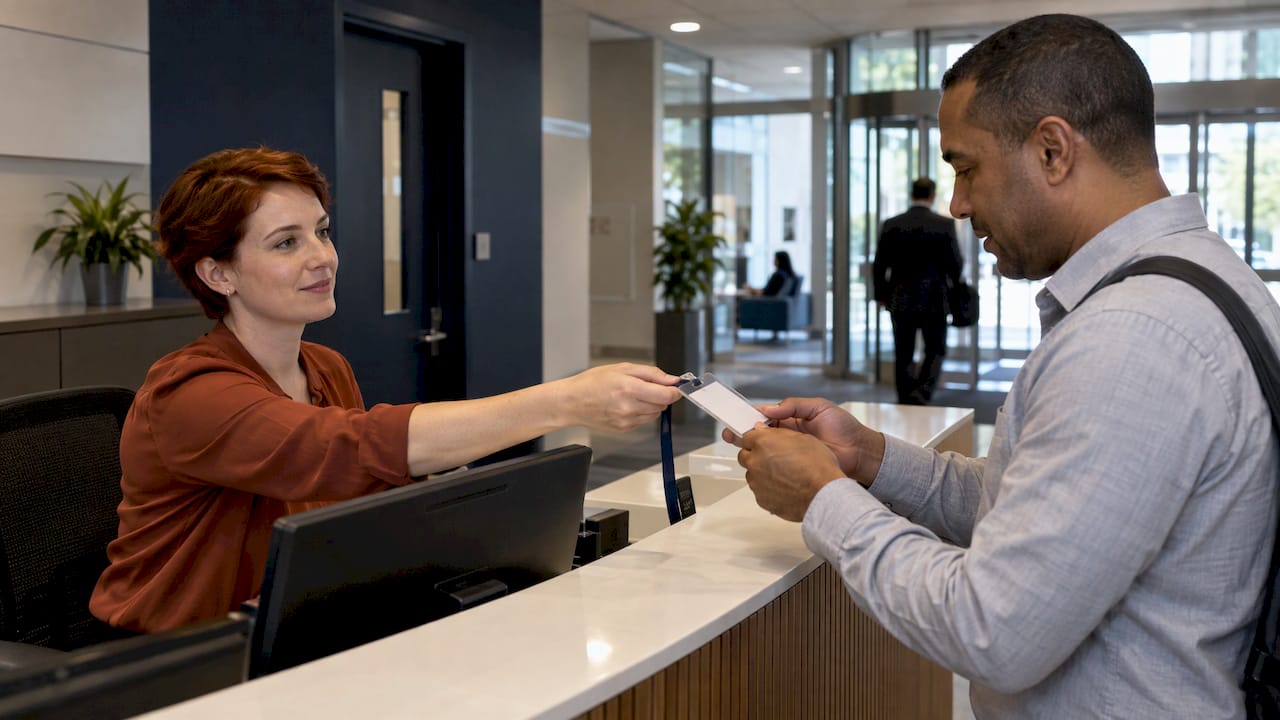
To put it into practice, see our visitor management systems guide and the risk-based visitor badge checklist. A quick rule of thumb: if a visitor’s badge could open a door without a host, it is set up wrongly.
How to build your levels in five steps
- Walk the building. List every entry point, including fire stairs, loading docks, car park lifts and roof access.
- Rank areas by consequence. Ask what happens if the wrong person gets into each space: theft, data loss, safety harm, privacy breach. Rank accordingly.
- Define roles and templates. Write down the access each role needs. Resist the temptation to copy the CEO’s card for the assistant.
- Set schedules. Decide which doors are open to which levels at which times. Night and weekend access should be the exception.
- Document and approve. Keep a one-page access matrix that names the owner of each zone. Our access control policies guide and corporate office security plan help turn this into policy.
Safety obligations: access and the work environment
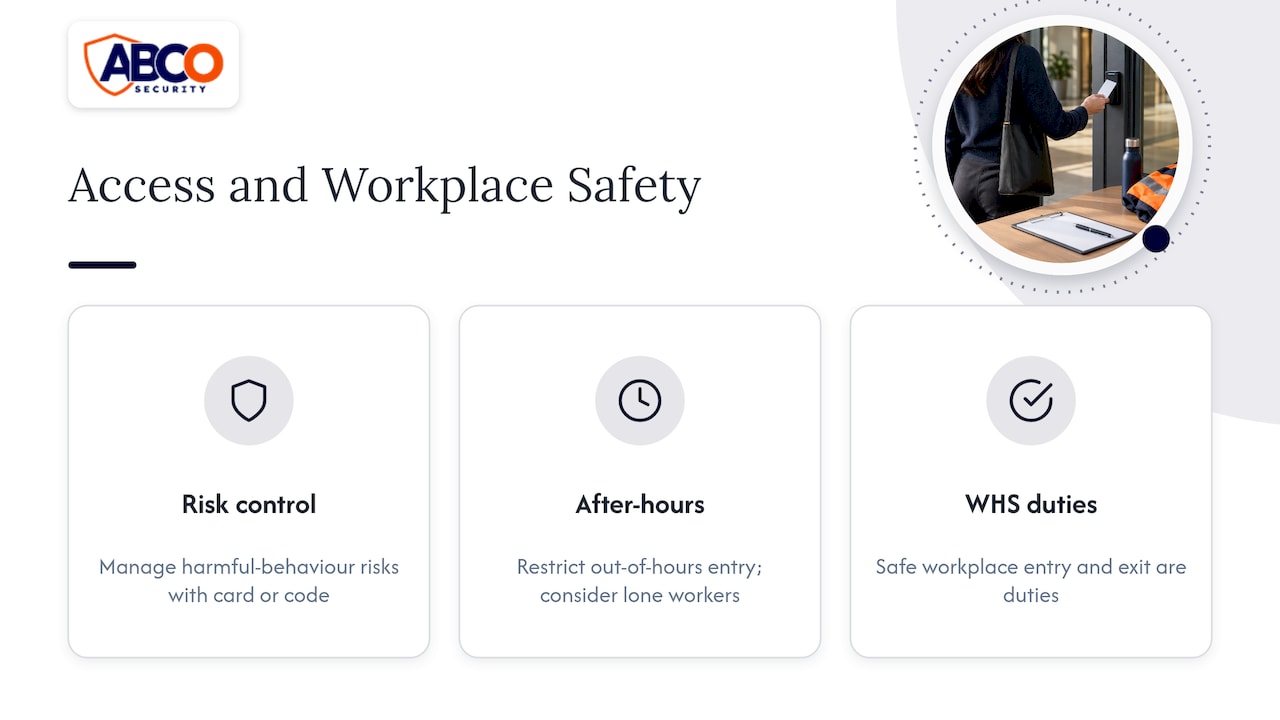
Access levels are a safety tool as well as a theft tool. Safe Work Australia’s model code on the work environment says harmful-behaviour risks can be managed by controlling workplace access, for example with a security card or code, particularly at night, when people work alone or where public access is not needed.
That is a strong reason to restrict out-of-hours entry and to think about anyone working by themselves. Our guide to lone worker safety systems covers check-in and duress options that sit alongside access control.
The same code treats safe entry to and exit from workplaces as part of work health and safety duties. Model codes are guidance that each state and territory applies through its own WHS laws, so confirm the position with your regulator or a WHS adviser for your state.
Emergency exits come first
Restricting entry must not trap people inside. The code says workplaces need a written emergency plan covering evacuation procedures, the role of wardens and communication for all occupants, including visitors. Practical points for your access design:
- Keep exit routes unobstructed. The code advises aisles and walkways be kept clear, and where entry and exit routes need defining, boundaries marked with a permanent contrasting line at least 50 mm wide, or glowing markers.
- Test that electronic locks release on fire alarm or power failure, as required by your building’s fire and egress provisions. Your certifier or fire services engineer can confirm the details for your building.
- Brief wardens on how to check restricted rooms and how to account for visitors, who have no card record of their own.
Auditing and changing access over time
Access levels degrade. People change teams, cards go missing, contractors finish and nobody tells the system. The SA framework says agencies must regularly audit their electronic access control system across all zones, in line with their risk assessments and security plans, to find and remove access for people who no longer need it.
The Commonwealth Fraud Prevention Centre gives matching advice: check that controls are applied consistently, and that access is regularly reported on and reconciled so unneeded access is identified and removed.
A workable rhythm for a mid-sized office:
| Trigger | Action | Timing |
|---|---|---|
| Starter | Issue role template, record approver | Day one |
| Role change | Remove old template, apply new one | Same day |
| Lost card | Suspend credential, issue replacement, log it | Immediately on report |
| Leaver | Disable credential, collect fob, check temporary access | At exit, before final pay run |
| Contractor finishes | Expire access, confirm return of passes | End of contract |
| Full review | Zone owners confirm every name on their list | Quarterly for Level 4, at least yearly for others |
The review cadence in the last row is our recommendation, not an official figure. Set it by risk. Also review the event log: repeated failed attempts at a restricted door, or a card used at 2 am by someone who never works nights, are signals worth acting on.
The same discipline applies in other settings. Our guides to factory access control and construction site access control show how the principle adapts to industrial and building sites.
Where access levels fit with other security layers
A card reader tells you who opened a door. It does not tell you who held it open, who followed someone in, or what happened in the corridor afterwards. Access levels work best as one layer among several:
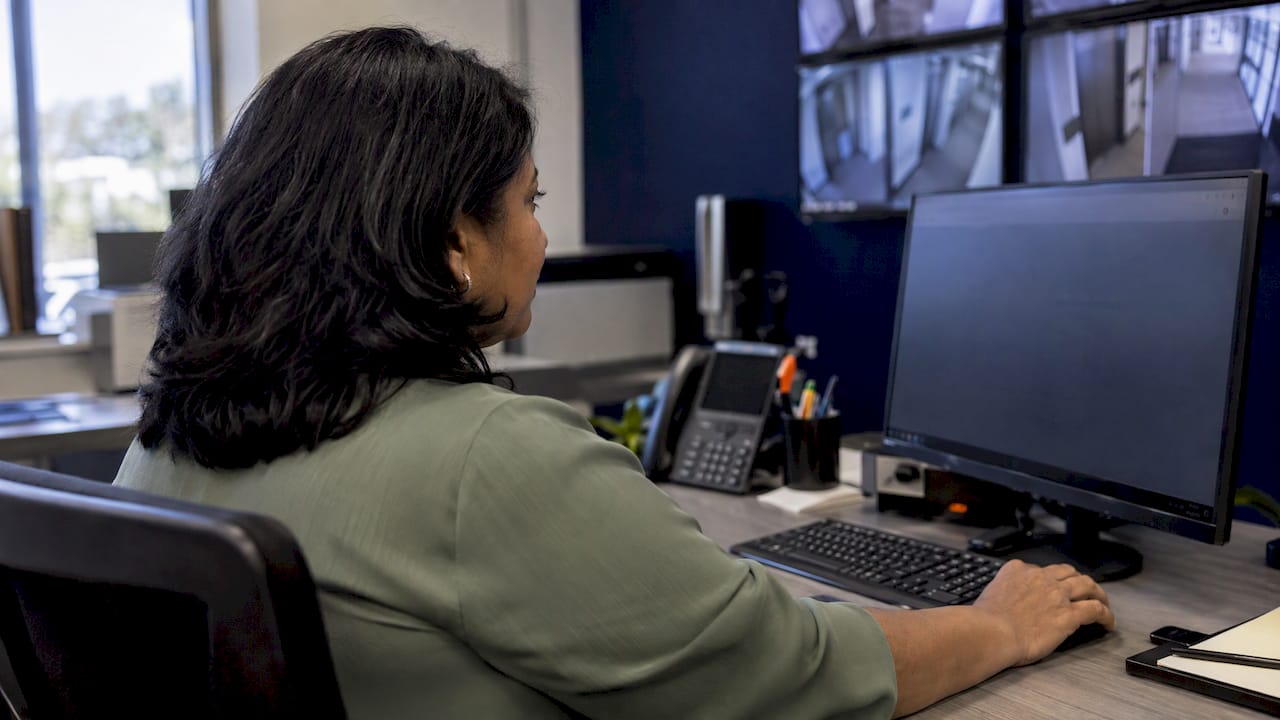
- Cameras and alarms at Level 3 and 4 doors, so an alarm or forced door is seen and acted on. See our camera monitoring services and alarm monitoring guide.
- Reception or concierge at the Level 1 to Level 2 boundary, where a person can challenge tailgating and greet visitors.
- Patrols or guards for after-hours risk, multi-tenant towers and sites with several entrances.
- Integration, so that access, video and alarms share one view. Our integrated security solutions guide explains how.
This is also how healthcare, retail, education and event venues work. The levels differ (a ward, a stockroom, a backstage area), but the structure is the same: define zones, match roles, control exceptions, check the logs.
Perspective
We see the same pattern across offices, construction sites and healthcare facilities: the hardware is rarely the weak point. The weak point is a level that nobody owns. A reader on the door means little if a leaver’s card still works or a contractor’s pass has no expiry.
That is why we treat access control as part of an integrated plan, not a standalone product. Zones define what needs protecting, electronic security enforces it, monitoring watches it around the clock, and trained, licensed people handle the moments technology cannot, such as a challenged tailgater, a forced door at night or a visitor who is lost.
Our approach is proactive: assess the risk first, set the levels to match it, then keep them honest through audits and monitoring. Our quality commitments, including ISO 9001, and more than 15 years in the industry shape how we do it.
Abco
Getting help with your access levels
If you want a second pair of eyes on your zones, we can help with security risk assessments, electronic security design and installation, 24/7 alarm and CCTV monitoring, and licensed guards and patrols across Australia. Our electronic security solutions cover access control, and A1 CCTV and alarm monitoring keeps restricted doors watched around the clock.
For after-hours cover, our Night Owl Service starts from $5.45 per day. For site-specific advice, talk to our team and we will walk through your building with you.
FAQ
How many access levels does an office need?
Most offices work well with three to four: public, general staff, restricted team areas and a protected tier for rooms such as comms or records. Government frameworks use five zones, but that suits classified information. Add levels only when a genuinely different group needs a genuinely different set of doors.
Should visitors ever get their own access card?
Only a temporary, escorted-use pass. For higher zones, official policy expects visitor details and times to be recorded and passes enabled only for the required areas, then collected afterwards. A pass that opens restricted doors without the host present defeats the purpose of the level.
How often should access permissions be reviewed?
Australian government guidance calls for regular audits matched to risk assessments, without fixing one interval. For private offices, a sensible approach is quarterly for protected rooms and at least yearly elsewhere, plus immediate changes when someone moves role, leaves or loses a credential.
Can strict access control conflict with fire safety?
It can if designed badly. Workplaces need a written emergency plan covering evacuation for everyone, including visitors, and exit routes must stay clear. Make sure locks release on fire alarm or power loss, and have your certifier or fire engineer confirm the design for your building.
Do night workers need different access levels?
Often yes. Safe Work Australia’s code points to access controls, such as a card or code, as a way to manage risks at night and for people working alone. Set after-hours schedules narrowly, and pair them with check-in or monitoring arrangements.
Sources
- SAPSF PHYSEC1 Physical security, South Australian Government
- Table 2 Security zone descriptions, Protective Security Policy Framework
- Guidelines for physical security, Cyber.gov.au
- Managing the work environment and facilities, Safe Work Australia (December 2025)
- System or physical access controls, Commonwealth Fraud Prevention Centre
Recommended
about
avada factory
Sempery ultricies nibh at dolor cras urna eleifend nec. Atiam efficitur tempor.