
Installing a security camera system effectively requires a clear plan. It’s more than just mounting a camera on a wall; it’s about selecting the right equipment, placing it strategically, and configuring the settings for optimal performance.
A well-executed installation provides reliable property monitoring, deters potential intruders, and offers invaluable peace of mind, whether you’re at home or away.
Why Install Security Cameras at Your Home?
As property safety becomes an increasing priority for homeowners, a reliable security system is now a fundamental necessity. This guide provides a straightforward roadmap to help you install security cameras at your home, avoiding technical jargon.
We will cover everything from equipment selection and secure mounting to software configuration. Our goal is to empower you with the knowledge needed for a professional-quality setup, highlighting the expertise of a leading Security Company in Melbourne.
Home Security as a Growing Priority
The demand for enhanced security is supported by data. The Australian CCTV camera market was recently valued at approximately USD 555.51 million and continues to grow steadily, showing a clear trend towards proactive property protection.
This growth is driven by more accessible technology and advancements like high-definition video and cloud storage. Professional security camera installation is no longer a luxury but a standard feature for a secure modern home.
The Value of a Well-Planned Installation
An effective security camera system relies on thoughtful planning, not just advanced hardware. The layout must cover all critical angles without infringing on your family’s—or your neighbours’—privacy.
A properly planned installation delivers significant benefits:
- Effective Deterrence: A visible camera is often enough to make a potential intruder reconsider.
- Actionable Evidence: High-quality footage provides law enforcement with the clear evidence needed to identify and apprehend offenders.
- Total Peace of Mind: The ability to monitor your property from anywhere offers genuine reassurance.
While this guide focuses on a DIY approach, professional security camera systems offer advanced features and expert installation. For more insights, explore topics on home security.
If you prefer an expert to handle the process, our licenced security professionals are available for consultation.
Book Your Security Consultation Today
Choosing the Right Security Cameras
Selecting the right hardware is the foundational step in building an effective security system. The market offers many options, but the decision simplifies to a few key factors, starting with camera connectivity.
For ultimate reliability, we recommend wired Power over Ethernet (PoE) systems. A single ethernet cable delivers both power and data, ensuring a stable, high-quality video feed unaffected by Wi-Fi fluctuations. This makes PoE ideal for critical areas like front doors, back gates, or garages.
Wireless cameras, however, provide unmatched installation flexibility. They are perfect for locations where cabling is impractical, such as a detached shed or a remote fence line, but their performance depends entirely on a strong Wi-Fi signal.
Matching Camera Style to Your Needs
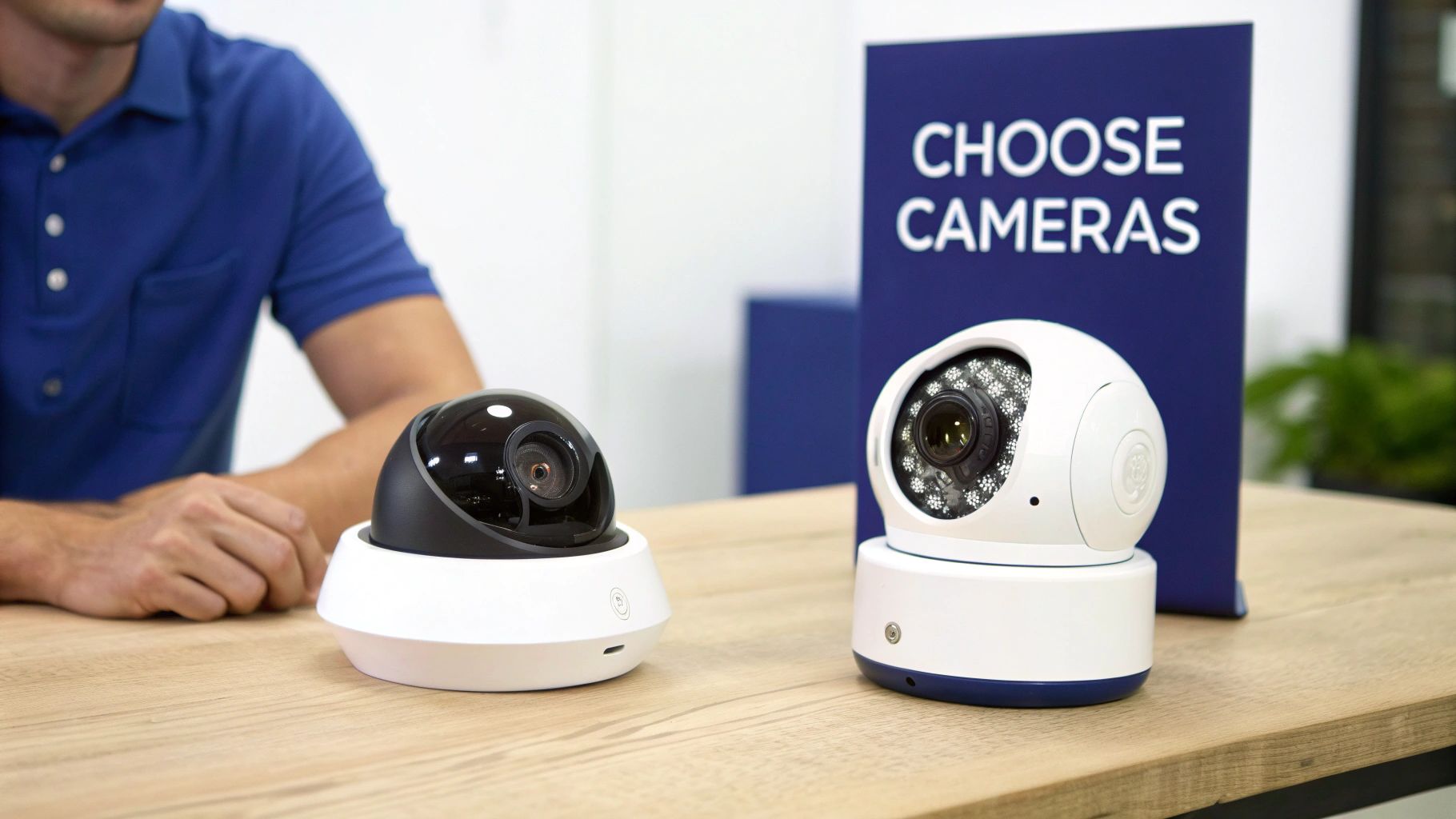
After deciding between wired and wireless, consider the camera’s physical design. For most Australian homes, the choice is between bullet and dome cameras, each with distinct advantages.
- Bullet Cameras: These are highly visible and act as a strong visual deterrent. Their overt design communicates that your property is monitored, making them ideal for long, narrow areas like driveways or side paths.
- Dome Cameras: For a more discreet and durable option, dome cameras are excellent. Their vandal-resistant casing makes them difficult to tamper with, and the obscured lens hides the viewing direction, perfect for entryways.
A common professional strategy is to use a robust bullet camera for backyard surveillance and a subtle dome camera for the front porch, ensuring comprehensive coverage without being obtrusive.
Understanding Key Camera Features
A few technical specifications significantly impact camera performance. Focus on what these features mean for your security.
Resolution determines footage clarity. While 1080p is adequate, 4K resolution captures superior detail, which can be crucial for identifying faces or licence plates.
Night vision is another essential feature. Check the specified range; a camera with a 30-metre range is far more effective for a large backyard than one limited to 10 metres.
In Australia, there is a clear preference for user-friendly IP-based cameras, which connect directly to a home network. This technology recently accounted for 47.92% of the security market’s revenue, reflecting a demand for integrated and accessible systems.
To assist your decision, the following table compares common camera types.
Comparison of Home Security Camera Types
Choosing the right camera style can be challenging. Each type serves a specific purpose, and a combination is often the most effective solution. This table outlines the key features to help you make an informed choice for your property.
| Camera Type | Best For | Pros | Cons |
|---|---|---|---|
| Bullet Camera | Outdoor monitoring, driveways, visible deterrence | Highly visible, easy to install and aim, good for long-range viewing | More susceptible to tampering, can be a target for vandals |
| Dome Camera | Discreet indoor/outdoor use, entryways, vandalism-prone areas | Vandal-resistant, discreet design, difficult to tell where it’s pointing | More complex installation, lens can be obstructed by the casing |
| PTZ Camera | Large areas like backyards or commercial properties | Pan, tilt, and zoom capabilities, can track moving objects | More expensive, requires active monitoring or complex presets |
| Turret Camera | General-purpose, under eaves, indoor/outdoor | Easy installation, no ‘dome glare’ from IR lights, good night vision | Less vandal-resistant than a traditional dome camera |
The best security often involves a mix of camera types. By strategically placing different cameras, you can create a comprehensive network tailored to your home. For more guidance on hardware, explore our resources on security cameras in Australia.
If you require personalised advice, our licenced professionals are ready to assist.
Book Your Security Consultation Today
Planning Your Camera Placement Strategy
A high-end camera is ineffective if poorly placed. Strategic placement is as crucial as the hardware itself, distinguishing a protective system from one that offers a false sense of security.
Before drilling any holes, walk your property and identify potential vulnerabilities from an intruder’s perspective. Mapping these weak spots is the first step toward creating an effective layout.
Identifying Key Areas for Maximum Coverage
Every home has critical zones that require surveillance. The objective is to cover all potential entry paths without creating blind spots.
Focus on these high-priority areas:
- All Entry Doors: Front, back, and side doors are the most common entry points. Ensure each has a camera with a clear, unobstructed view.
- Ground-Floor Windows: Easily accessible windows, especially those at the rear or side of the house, are prime targets.
- Driveways and Garages: A camera monitoring the driveway provides an early warning of approaching vehicles or individuals and secures the garage.
- Side Gates and Pathways: Intruders often use side paths to remain concealed from the street. Do not overlook them.
A common mistake is focusing only on the front of the property. Most intruders prefer the seclusion of the back or side. Comprehensive perimeter coverage is essential for genuine security.
Best Practices for Mounting and Angling Cameras
Once you’ve identified locations, consider camera positioning. A poorly mounted camera is easily disabled.
The ideal height is typically under the eaves of the roof, keeping the camera out of reach while providing a commanding downward view. This principle is also applied in commercial settings, such as when providing security for construction sites.
Also, be mindful of direct sunlight, which can cause lens glare and wash out your footage. Check the camera’s live feed at various times of day before finalising its position.
Respecting Privacy Laws in Australia
Compliance with Australian privacy laws is non-negotiable. Your right to monitor your property does not extend to your neighbour’s private spaces. It is essential to angle your cameras to capture footage only within your property boundaries.
Ensure your cameras do not record:
- A neighbour’s backyard or pool area.
- A clear view into their windows or doors.
- Public areas where privacy is expected.
Respecting privacy is a legal obligation. For detailed guidance, the Australian Security Industry Association Limited (ASIAL) offers codes of conduct to ensure your security system is both effective and compliant.
If you prefer professional installation, our licenced experts are here to help.
Book a Professional Installation
Getting on the Tools: The DIY Installation
With your plan finalised, it’s time for the hands-on installation. For confident DIYers, this can be a rewarding project, but it requires patience and the correct tools. The core principles remain the same regardless of the surface: secure mounting, clean cable entry, and safe wiring.
Before you begin, review your strategy one last time.
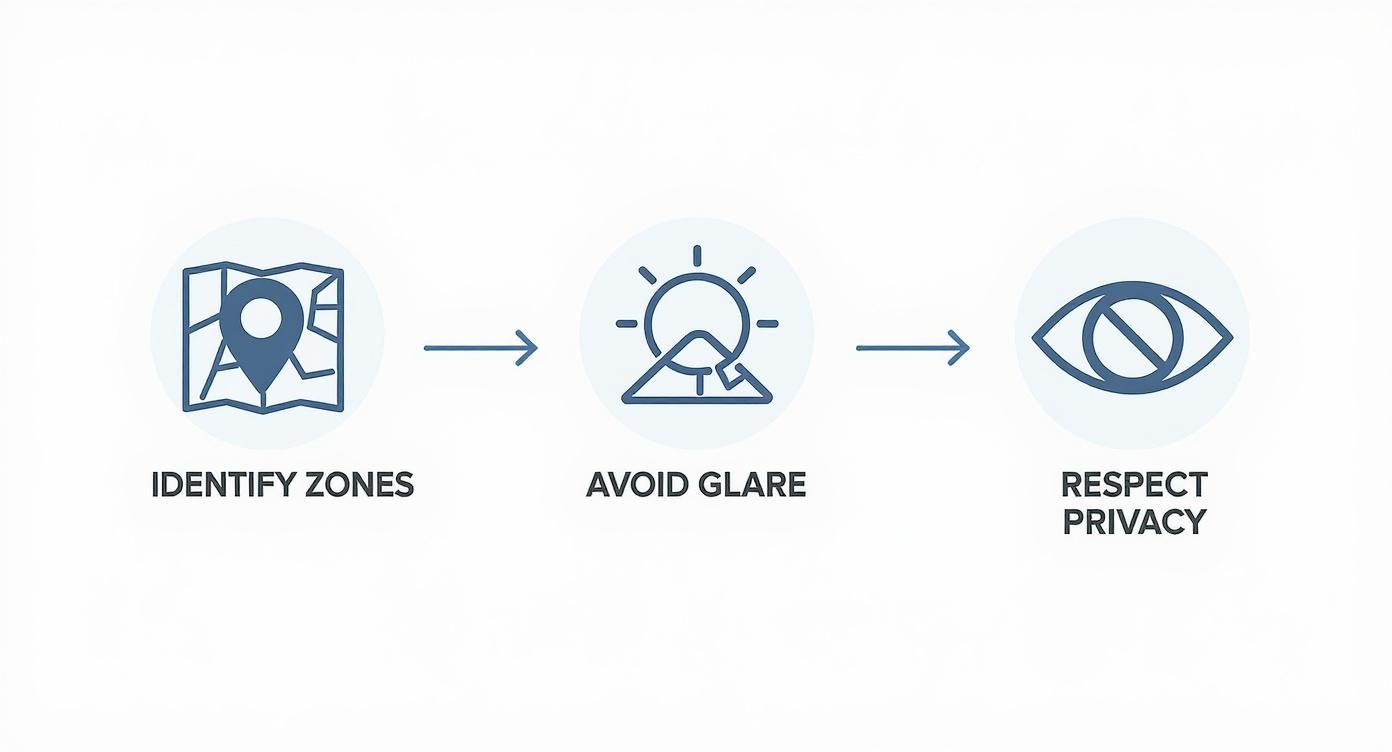
Careful upfront planning prevents future complications, ensuring your cameras are effective, compliant, and correctly positioned from the start.
Mounting Your Cameras Securely
A stable base is essential. Position the mounting bracket and mark the drill holes. The drilling technique will depend on the surface.
- Timber or Weatherboard: Use a drill bit slightly smaller than your screws to create a pilot hole. This prevents the wood from splitting and ensures a secure fit.
- Brick or Masonry: A hammer drill with a masonry bit is required. Insert wall plugs (anchors) into the holes to provide a solid grip for the screws.
Always use the mounting hardware supplied with the camera, as it is designed for its specific weight and shape. A securely mounted camera is more reliable, less vulnerable to tampering, and better equipped to handle adverse weather.
Running Cables for PoE Systems
The reliability of Power over Ethernet (PoE) systems depends on correct cabling. The goal is to run the Ethernet cable from your Network Video Recorder (NVR) to each camera location neatly and safely.
Drill through an external wall near the camera from the outside in, at a slight upward angle. This simple technique helps prevent rainwater from entering the wall cavity.
Seal the cable entry point on both sides with a high-quality outdoor silicone sealant. This critical step maintains insulation and prevents moisture and pests from entering your home. For professional techniques, see our guide on CCTV camera installation.
Expert Tip: When running cables through wall or ceiling cavities, use conduit or cable clips. This keeps wiring organised, prevents tangles, and isolates data cables from electrical wiring to avoid signal interference—a professional touch that improves system performance.
Connecting Wireless Cameras
Wireless cameras are simpler to install as they don’t require data cables back to an NVR. However, they still need a power source, which usually involves a cable to a nearby power outlet.
Newer battery-powered models offer maximum flexibility but require periodic recharging or replacement. Consider this ongoing maintenance when choosing mounting locations; accessible cameras are easier to service. For a detailed walkthrough, this DIY wireless security camera installation guide is a useful resource.
While much of this is achievable for a handy person, complex tasks like working at heights or intricate wiring are best left to a licenced professional. Prioritising safety ensures your system functions correctly and meets all relevant standards.
Ready to have an expert handle the installation?
Book Your Professional Installation Now
Making Your System Smart: The Configuration Phase
With your cameras installed, the next step is software configuration. This is where you transform hardware into an intelligent security system that actively works for you, learning what to monitor and how to alert you to important events.
First, connect each camera to your Network Video Recorder (NVR) and your home network. Modern systems provide user-friendly software to guide you through naming cameras (e.g., “Driveway,” “Back Patio”) and setting up remote viewing on your smartphone.
Remote access is a key feature for peace of mind, allowing you to view a live feed of your home from anywhere in the world.
Dialling in Your Motion Detection
Default motion detection settings often lead to excessive false alerts from passing cars or swaying trees. It is crucial to configure specific motion detection zones.
By drawing a virtual perimeter around a specific area, such as a doorstep or garden gate, you instruct the system to ignore movement elsewhere and only trigger an alert for activity within the defined zone.
Many new systems use AI to differentiate between people, vehicles, and animals. This technology significantly reduces false alarms, ensuring that when you receive a notification, it is for something that warrants your attention.
Setting Up Smart Schedules and Alerts
Optimise your storage and reduce notification fatigue by aligning the recording schedule with your lifestyle. Continuous 24/7 recording is often unnecessary and consumes significant hard drive space.
Consider these practical configurations:
- Schedule recordings to activate automatically overnight or during work hours.
- Set up push notifications for specific events, like a person detected near the garage after 11 PM.
- Configure email alerts with snapshot images for a quick visual of what triggered the motion sensor.
This customisation ensures you only capture meaningful events. It is this smart functionality that is driving growth in the Australian home security market, which is projected to reach USD 5.16 billion by 2033.
A well-configured system provides genuinely useful protection. For an added layer of security, professional security camera monitoring offers 24/7 response from trained experts.
Got Questions? We’ve Got Answers
When planning to install security cameras, several common questions arise. Based on our extensive experience in the Australian security industry, here are some straightforward answers to help you finalise your project.
Do I Need a Licence to Install My Own Security Cameras?
No, you do not need a security licence to install cameras at your own home.
However, if you hire someone to perform the installation, that individual must hold a current security installer licence relevant to your state or territory. This is a legal requirement.
Hiring a licenced professional ensures the work meets Australian standards, the installer is qualified, and they have passed all necessary police checks—a crucial consideration when granting someone access to your home and security system.
What Are the Laws on Where I Can Point My Cameras in Australia?
Australian privacy laws must be respected. While you are permitted to record activity on your property, you must not film your neighbours’ private spaces, such as backyards, windows, or pool areas.
Your cameras should be aimed at your property’s boundaries, entry points, and immediate perimeter. Respecting your neighbours’ privacy is not only courteous but also a legal requirement that helps prevent disputes.
For official guidance, organisations like the Australian Security Industry Association Limited (ASIAL) provide detailed codes of practice.
How Much Recording Storage Do I Actually Need?
Storage requirements vary based on your system. The main factors influencing storage consumption are:
- Number of cameras: More cameras generate more data.
- Resolution: 4K footage requires significantly more storage space than 1080p.
- Recording mode: Motion-activated recording uses far less space than continuous 24/7 recording.
As a general guideline, a system with 4–6 cameras recording on motion detection will store several weeks of footage on a 1-2TB hard drive. Cloud storage offers a secure, off-site backup, typically through a subscription service.
Can My Wireless Security Cameras Be Hacked?
Any internet-connected device carries some level of risk. However, you can significantly enhance your system’s security.
Follow these steps to secure your network:
- Use a strong, unique password for your camera system and Wi-Fi network.
- Enable two-factor authentication (2FA) if available.
- Keep your camera’s firmware updated to install the latest security patches.
Choosing reputable brands with a strong security track record provides an additional layer of protection, as their products are designed with these threats in mind.
At ABCO Security, our licenced professionals ensure every installation is secure, compliant with all regulations, and perfectly tailored to your property. If you prefer the guaranteed peace of mind that comes with a professional installation, our expert team is ready to help.
about
avada factory
Sempery ultricies nibh at dolor cras urna eleifend nec. Atiam efficitur tempor.